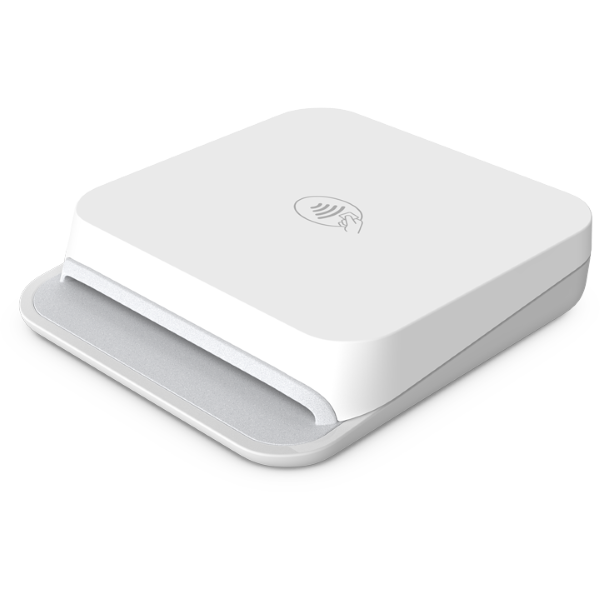
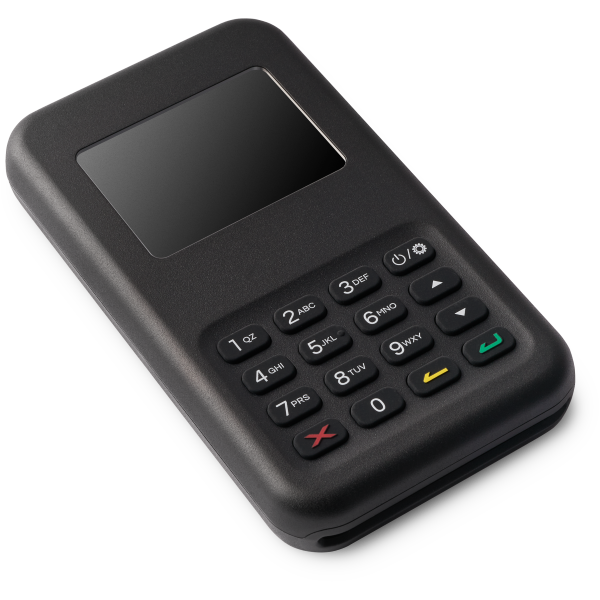
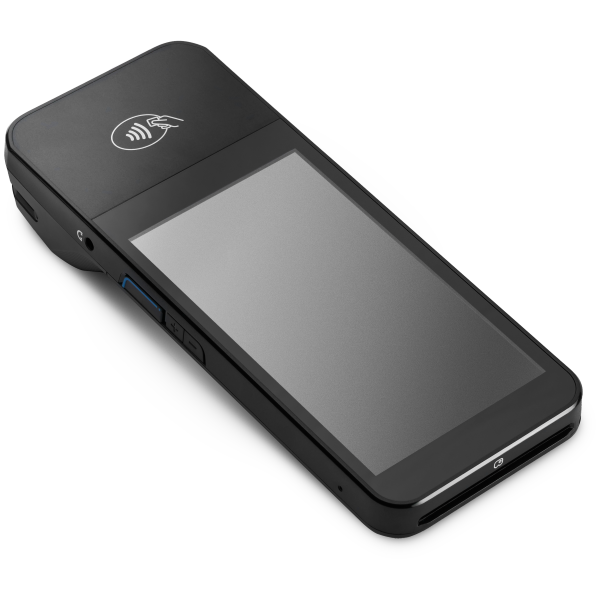
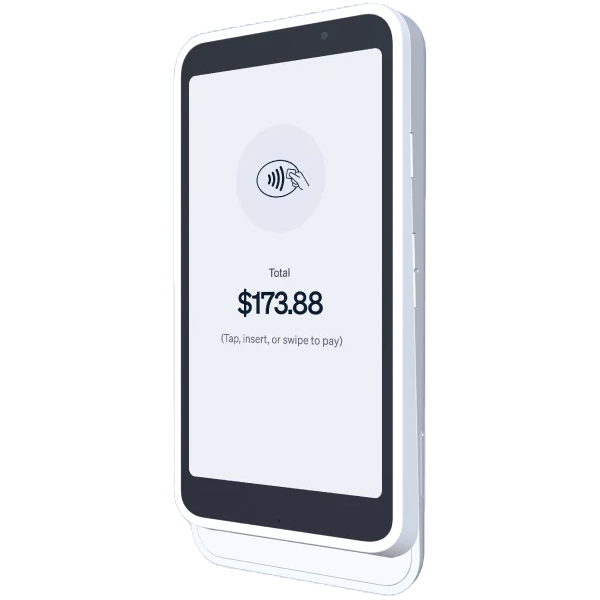
Flow POS supports selected Stripe Terminal readers. Use pocket-sized Bluetooth readers, all-in-one smart terminals, wired USB readers where supported, or skip hardware with Tap to Pay.
Compare the Stripe Terminal hardware currently supported by Flow POS
| Reader | Connection | Best For | Availability | Needs Phone? | Action |
|---|---|---|---|---|---|
| Stripe Reader M2 | Bluetooth | Mobile businesses | US only | Yes | Get Flow POS Access |
| WisePad 3 | Bluetooth | International merchants | 20+ countries | Yes | Get Flow POS Access |
| Chipper 2X BT | Bluetooth | Portable businesses | Where available from Stripe | Yes | Get Flow POS Access |
| USB Reader | Wired USB | Stationary Android setups | Supported Android devices | Yes | Get Flow POS Access |
| WisePOS E | WiFi/Ethernet | Countertop use | International | Yes | Get Flow POS Access |
| Stripe S700/S710 | WiFi/Cellular | Standalone terminal | International | No | Get Flow POS Access |
| Tap to Pay No hardware | Built-in NFC | Contactless only | Many countries | Your phone | Get Flow POS Access |
Card readers unlock the broadest payment acceptance and best customer experience
Accept chip cards for enhanced security, fraud protection, and PCI compliance.
Accept chip, magstripe, and contactless cards with Stripe Terminal readers. Flow POS currently requires internet connectivity for reader payments.
Accept Apple Pay, Google Pay, and contactless cards. Fast tap-and-go payments.
Send digital receipts by email or SMS after successful transactions so customers have a clear payment record.
Order from Stripe, connect to Flow POS, start accepting payments
Pick the card reader that fits your business from the options above.
Download Flow POS from the App Store or Google Play, then connect your Stripe account during setup. Apple silicon Mac users can install the iOS app from the App Store for supported workflows.
Pair your reader and start accepting in-person Stripe payments immediately.
Download Flow POS from the App Store or Google Play. Apple silicon Mac users can install the iOS app from the App Store and use supported Flow POS workflows on macOS.