No terminal needed.
Turn your iPhone into a Stripe payment terminal. Customers tap their card or phone, and the payment is processed through your connected Stripe account. No extra hardware required.
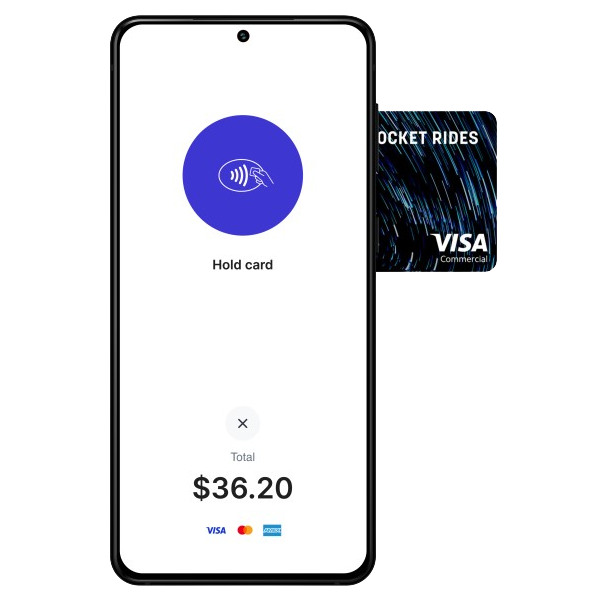
Tap to Pay on iPhone
All iPhone XS, XR, 11, 12, 13, 14, 15, and 16 models supported
Update to the latest iOS in Settings → General → Software Update
Available in the US, UK, Canada, Australia, France, Germany, Ireland, Netherlands, and more
Install the current iOS build. No monthly subscription required.
Sign in with your existing Stripe account using secure OAuth. Takes under 30 seconds.
Go to Settings → Card Reader and turn on "Built-in Contactless Reader".
Create a charge, select Tap to Pay, and have your customer tap their card or phone.
Tap to Pay works only for contactless payments. For chip cards or magstripe cards, add a Stripe-compatible card reader. Flow currently requires internet connectivity for reader payments.
Download FlowPOS for iOS or Android, connect your Stripe account, and start taking in-person payments from your phone. No hardware required for Tap to Pay.